User interface, or UI, is a fundamental concept in digital design. It refers to the visual and interactive elements of a website, app, or software that you see and use.
What is User interface?
User interface (UI) is the series of screens, pages, buttons, icons, and other visual elements you use to interact with a device or software. It's everything you see and click on. Good UI design focuses on aesthetics, responsiveness, and intuitive layout to create a seamless experience.
Why is this important?
For freelancers, especially in design and development, UI is a core service. Clients need interfaces that are not only attractive but also functional and easy to navigate. Mastering UI principles helps you deliver better products, justify higher rates, and win more projects via platforms or direct networking.
How does it work?
UI designers use tools to create visual prototypes and mockups. They decide on color schemes, typography, spacing, and the placement of every interactive element. The goal is to guide the user effortlessly from one action to the next, ensuring the interface is both usable and visually cohesive.
Pros and cons
The main pros are high demand and clear, tangible deliverables you can showcase in a portfolio. A key con is that UI is often paired with UX (user experience), so clients may expect broader skills. You also need to stay updated with constantly evolving design trends and tools.
Conclusion
Understanding user interface is essential for any freelancer working in the digital space. It's the bridge between a user and a product's functionality. By focusing on clear, aesthetic, and intuitive design, you build products that satisfy clients and end-users alike.
Ready to freelance?
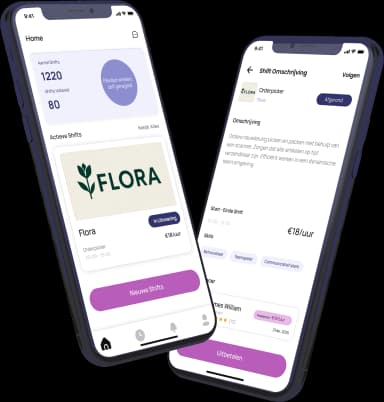
Download the HFS Freelancers app and discover flexible shifts in your area. Or explore more terms in our knowledge base.