The Shift app is a popular productivity tool designed for freelancers. It helps you centralize your work by managing multiple accounts and applications in one place.
What is Shift app?
The Shift app is a desktop application that acts as a unified workspace. It allows you to add and switch between multiple accounts for email, calendars, and other web apps. Think of it as a single dashboard for all your separate client workspaces and tools.
Why is this important?
For freelancers juggling several clients, constantly logging in and out of different accounts is inefficient and time-consuming. This tool reduces that friction, helping you stay organized and focused. It minimizes context-switching, which can significantly boost your daily productivity.
How does it work?
You install the Shift app on your computer. Then, you add your various accounts, such as email clients, project management tools, and cloud storage. The app presents them as separate tabs or workspaces within its interface, letting you jump between client contexts with one click.
Pros and cons
Key benefits include streamlined workflow, reduced tab clutter, and saved time. Potential downsides are a learning curve for setup and reliance on a single application. It's best for freelancers who use the same types of apps, like Gmail or Slack, for different clients.
Conclusion
The Shift app is a practical solution for freelancers seeking better organization. By centralizing your digital workspaces, it can help you work more efficiently. Consider trying it if you manage multiple client identities and feel overwhelmed by browser tabs.
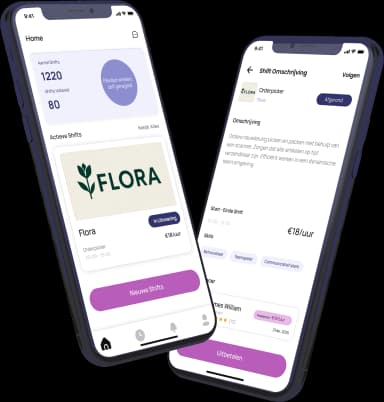
Ready to freelance?
Download the HFS Freelancers app and discover flexible shifts in your area. Or explore more terms in our knowledge base.