Notifications are digital alerts that inform you of important updates. For freelancers, they are a critical tool for staying on top of work and client communication.
What is Notifications?
Notifications are automated alerts sent by apps, websites, or devices. They inform you about new messages, project updates, payment confirmations, or approaching deadlines. Think of them as a digital tap on the shoulder to draw your attention to something important.
Why is this important?
For freelancers, timely information is everything. Notifications help you respond quickly to client inquiries, never miss a project milestone, and stay organized. They prevent you from having to constantly check platforms manually, saving you valuable time and reducing stress.
How does it work?
You typically receive notifications via email, SMS, or push alerts on your devices. You can manage them in your account settings on most platforms. Here, you choose which events trigger an alert, such as new messages, contract offers, or payment receipts.
Pros and cons
The main benefits are staying informed and improving response times. However, the downside is notification overload, which can be distracting. The key is to customize your settings to receive only the most critical alerts for your workflow.
Conclusion
Notifications are a powerful tool for freelance efficiency. By customizing your alert preferences, you can stay connected without being overwhelmed. Mastering them helps you maintain professionalism and manage your business smoothly.
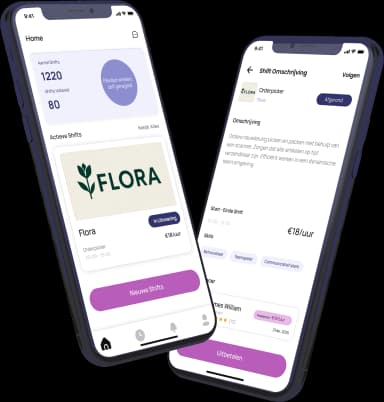
Ready to freelance?
Download the HFS Freelancers app and discover flexible shifts in your area. Or explore more terms in our knowledge base.