In freelancing, a 'host' refers to the entity or service that provides the environment where your work is stored, run, or accessed. This is a fundamental concept for delivering digital projects.
What is Host?
A host provides the infrastructure or platform for your work. For a web developer, it's the server hosting a website. For a graphic designer, it could be the cloud platform where final files are stored for client access. Essentially, the host is where the final deliverable 'lives'.
Why is this important?
Understanding your host is vital for project success. You need to know the technical environment to build compatible work. It also directly impacts your client's ability to access and use the final product, which affects satisfaction and your professional reputation.
How does it work?
You or your client selects a hosting service, like a web server or cloud storage. You then develop your project to work within that specific environment's constraints. Finally, you deploy or upload the finished work to the host, making it live for the end-user.
Pros and cons
Key pros include reliable access for clients and often built-in security. Cons can involve technical complexity, potential extra costs, and reliance on a third-party service's uptime and performance, which you may not directly control.
Conclusion
Grasping the concept of a host is essential for modern freelancers. It bridges your creative work and the client's practical use. Always clarify hosting details at the start of a project to ensure a smooth delivery and a happy client.
Ready to freelance?
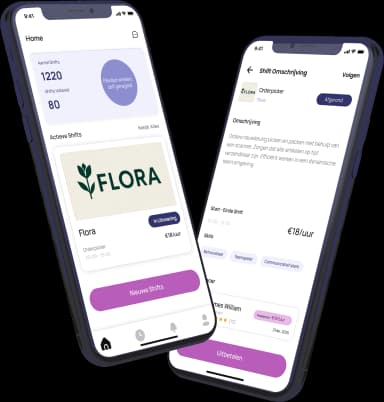
Download the HFS Freelancers app and discover flexible shifts in your area. Or explore more terms in our knowledge base.