Data synchronization is the process of keeping data consistent across multiple devices or systems. For freelancers, it's a key part of staying organized and productive.
What is Data synchronization?
Data synchronization, or data sync, is the automated process of ensuring that the same data is available and identical across different devices or platforms. For example, when you update a project file on your laptop, the sync process updates the copy on your phone and cloud storage.
Why is this important?
It's vital for your workflow. You can switch between your desktop, laptop, or tablet without losing progress or searching for the latest file version. It also acts as a basic backup, protecting your work from device failure. This reliability is crucial when collaborating with clients.
How does it work?
You typically use a cloud service like Google Drive, Dropbox, or iCloud. You save files to a designated folder on one device. The service then automatically uploads changes to the cloud and downloads them to your other linked devices, keeping everything in sync.
Pros and cons
The main pros are accessibility from anywhere, automatic backups, and seamless collaboration. The cons include reliance on internet connectivity, potential subscription costs for more storage, and needing to manage privacy settings for sensitive client data.
Conclusion
Mastering data synchronization is a simple way to boost your professionalism and efficiency. By ensuring your files are always current and accessible, you reduce stress and can focus on delivering great work for your clients, no matter where you are.
Ready to freelance?
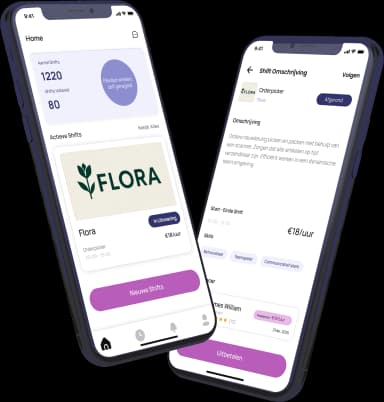
Download the HFS Freelancers app and discover flexible shifts in your area. Or explore more terms in our knowledge base.