A dashboard is a visual control panel that consolidates key information about your freelance business. It gives you an at-a-glance overview of your most important data.
What is Dashboards?
A dashboard is a single screen or interface that displays the most important information about your freelance business. It aggregates data from different sources, like project management tools, calendars, and financial accounts, into one central view. Think of it as your business's command center.
Why is this important?
For freelancers, a dashboard is crucial for efficiency and informed decision-making. It saves you time by eliminating the need to check multiple apps. More importantly, it helps you spot trends, track progress toward goals, and quickly understand your business health, from cash flow to workload.
How does it work?
You connect your various tools and accounts to a dashboard platform. The software then pulls in live data and presents it using charts, graphs, and numbers. Common widgets you might see include project deadlines, monthly income, outstanding invoices, and time tracked for current tasks.
Pros and cons
The main pros are clarity and time savings; you see everything you need instantly. It promotes data-driven decisions and better organization. Potential cons include setup time and the risk of information overload if not designed well. You must curate what you see to keep it useful.
Conclusion
A well-designed dashboard is a powerful tool for any freelancer. It transforms scattered data into actionable insights, helping you run a more organized and profitable business. Start simple, focus on the metrics that truly matter to you, and let your dashboard do the heavy lifting.
Ready to freelance?
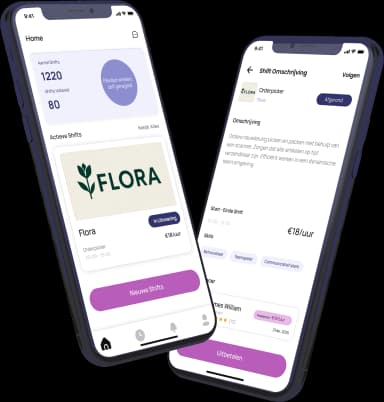
Download the HFS Freelancers app and discover flexible shifts in your area. Or explore more terms in our knowledge base.