Calendar integration connects your digital calendar to other software tools. For freelancers, it automates scheduling and centralizes your availability.
What is Calendar integration?
Calendar integration is a software connection that lets different applications share data with your digital calendar. It allows tools like project management apps, booking forms, and communication platforms to read your schedule and add events automatically. This creates a single source of truth for your time.
Why is this important?
For freelancers, time is your most valuable asset. Calendar integration prevents double-booking and reduces the back-and-forth emails needed to schedule client calls. It projects professionalism by showing real-time availability and protects your focus time from accidental meetings.
How does it work?
You typically connect your primary calendar (like Google or Outlook) to another app using secure permissions. Once connected, the integrated app can check your free/busy status. Clients can then book slots directly via a shared link, and the meeting is added to both calendars automatically.
Pros and cons
Key benefits include major time savings, fewer scheduling errors, and a streamlined client experience. Potential downsides involve initial setup time and the need to manage permissions carefully to maintain privacy and security across connected apps.
Conclusion
Calendar integration is a simple yet powerful tool for freelancers. By automating scheduling, you minimize administrative tasks and reduce friction with clients. Adopting this practice is a smart step toward a more efficient and professional freelance business.
Ready to freelance?
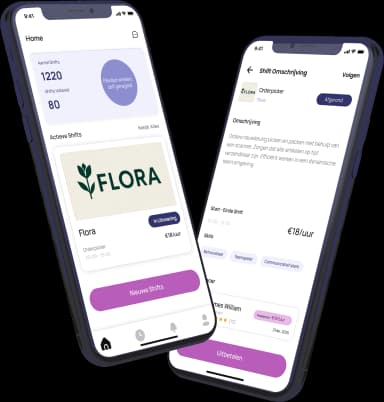
Download the HFS Freelancers app and discover flexible shifts in your area. Or explore more terms in our knowledge base.