Account settings are the central hub where you control your online freelancer presence. They are essential for managing how clients see you and how you get paid.
What is Account settings?
Account settings refer to the dashboard or menu where you manage your user profile on a website or platform. For freelancers, this is where you control your personal information, professional bio, portfolio links, and notification preferences. It's your digital control panel.
Why is this important?
Properly configured account settings are vital for your business. They ensure you get paid correctly by having the right bank details. They also control your professional image via your profile and protect your account with security features like two-factor authentication.
How does it work?
You typically access account settings via a menu in your profile. Common sections include Profile Info, Payment Methods, Security & Login, and Notifications. You update details like your bio, hourly rate, or tax information here. Changes are saved and applied across the site.
Pros and cons
The main pros are centralised control, enhanced security, and a customised client experience. A key con is that settings can be complex or buried in menus, making them easy to overlook. Neglecting them can lead to missed opportunities or payment delays.
Conclusion
Treat your account settings as a fundamental part of your business operations. Regularly reviewing and updating them ensures your freelancing tools work for you. It's a simple task that safeguards your income and professional reputation.
Ready to freelance?
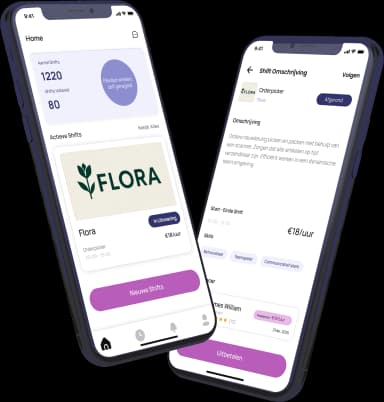
Download the HFS Freelancers app and discover flexible shifts in your area. Or explore more terms in our knowledge base.